KurzKeySite is a private, non-commercial site. Over many years I have built up a
lot of know-how about the great Kurzweil keyboards and written a number of tools for
my own work with them. I am happy to pass all of that on here — everything on this
site is free to use, with no ads and no tracking.
Responsible for this site
kurzkeysite@outlook.com
Bavaria, Germany
Nature of this site
A private, non-commercial hobby project. Nothing is sold here, no advertising is
carried, and no service is offered for payment.
Data protection
This site sets no cookies, uses no tracking or analytics, and asks for no personal
data — there are no forms and no accounts. It is hosted on Cloudflare Pages, whose
servers record the usual technical access data (IP address, time, requested file,
browser) for delivery and security. Fonts are loaded from Google Fonts, which means
your browser contacts a Google server and your IP address becomes known to it. If you
install K-QA Bank Editor as an app, everything it stores stays in your own browser; nothing
is transmitted to this site.
Use of AI
Parts of the guides, descriptions and tools on this site were created with the
help of AI (Anthropic's Claude). All content is reviewed and edited by me.
Liability for content and links
The contents are compiled with care, but no guarantee is given for their accuracy
or completeness. Everything here is offered as-is, for use at your own risk — always
keep a backup of your instrument before loading files into it. Links to external
sites lead to content outside my control; responsibility for it rests with the
respective operator.
Copyright
The material created by me on this site may be used freely for private,
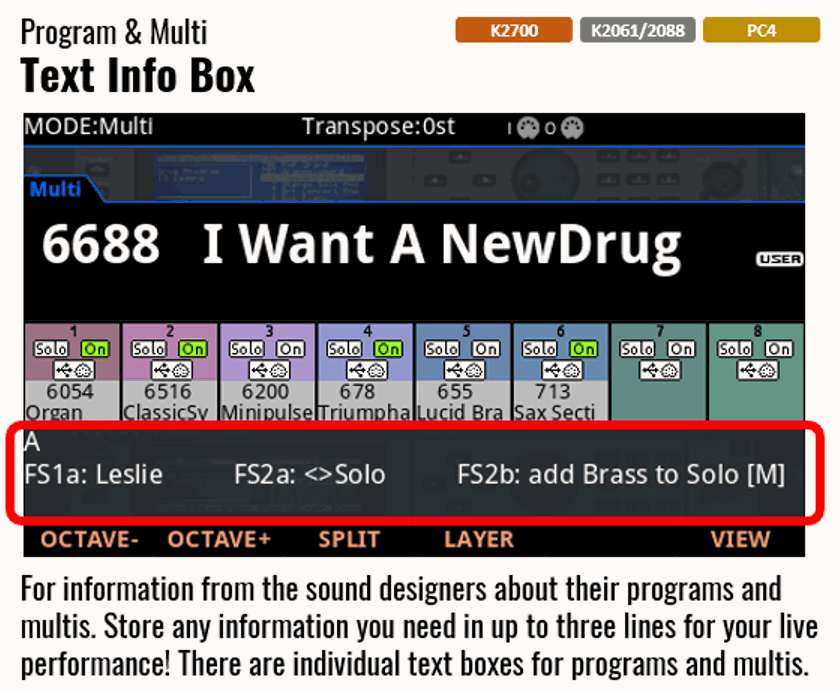
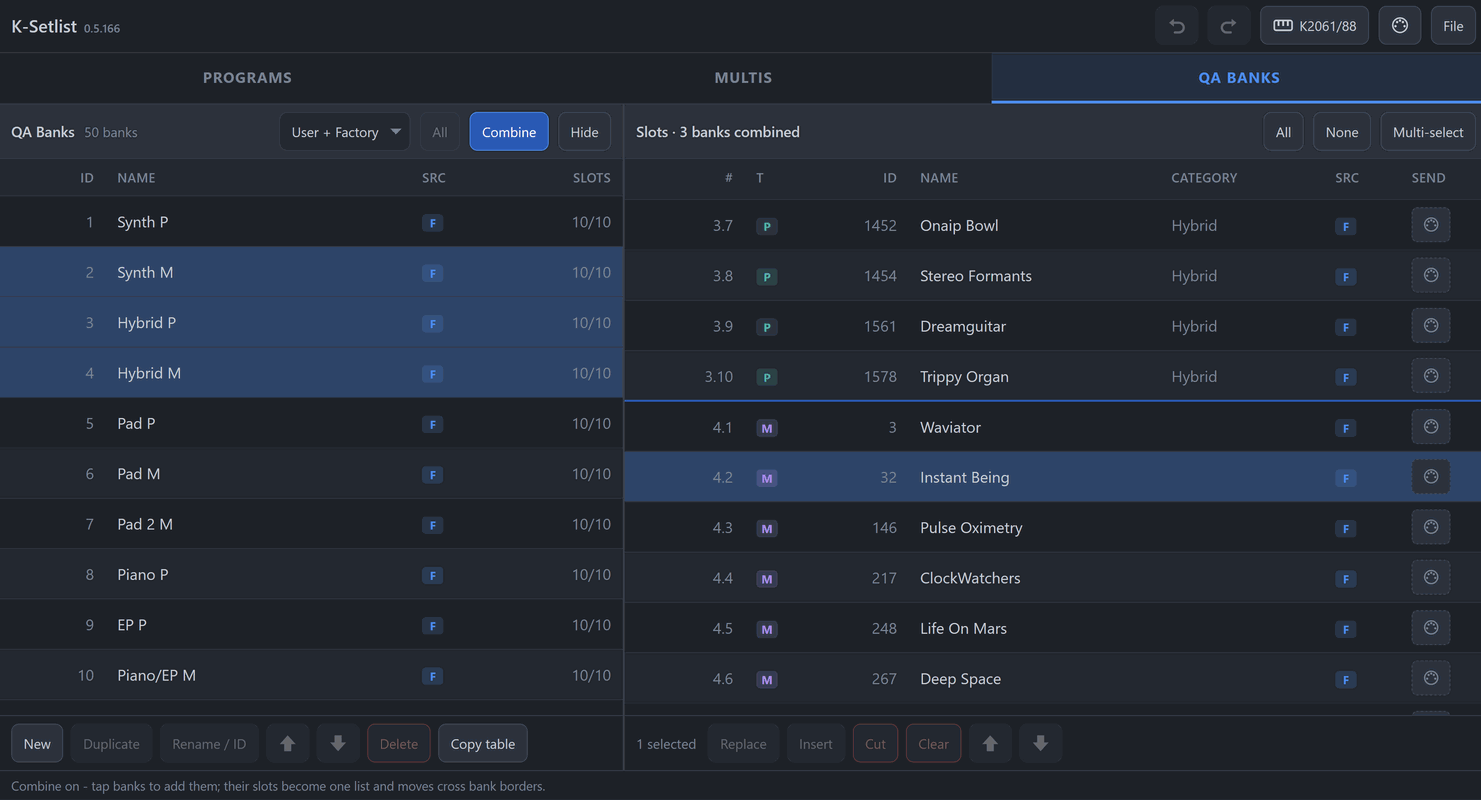
non-commercial purposes. Screenshots of Kurzweil instruments and their displays
remain the property of the respective rights holder and are shown here to describe
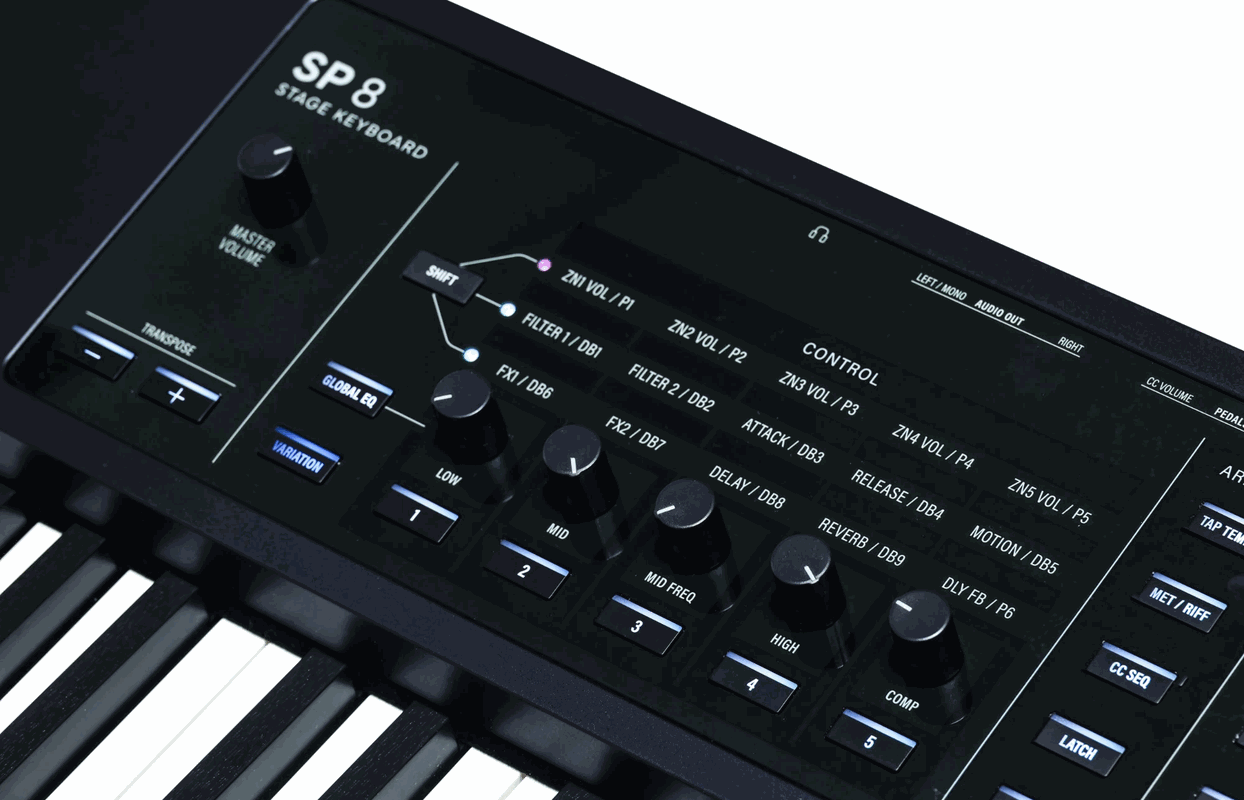
compatibility and operation. Images Courtesy of Kurzweil Music Systems.