K-Category & Info Editor
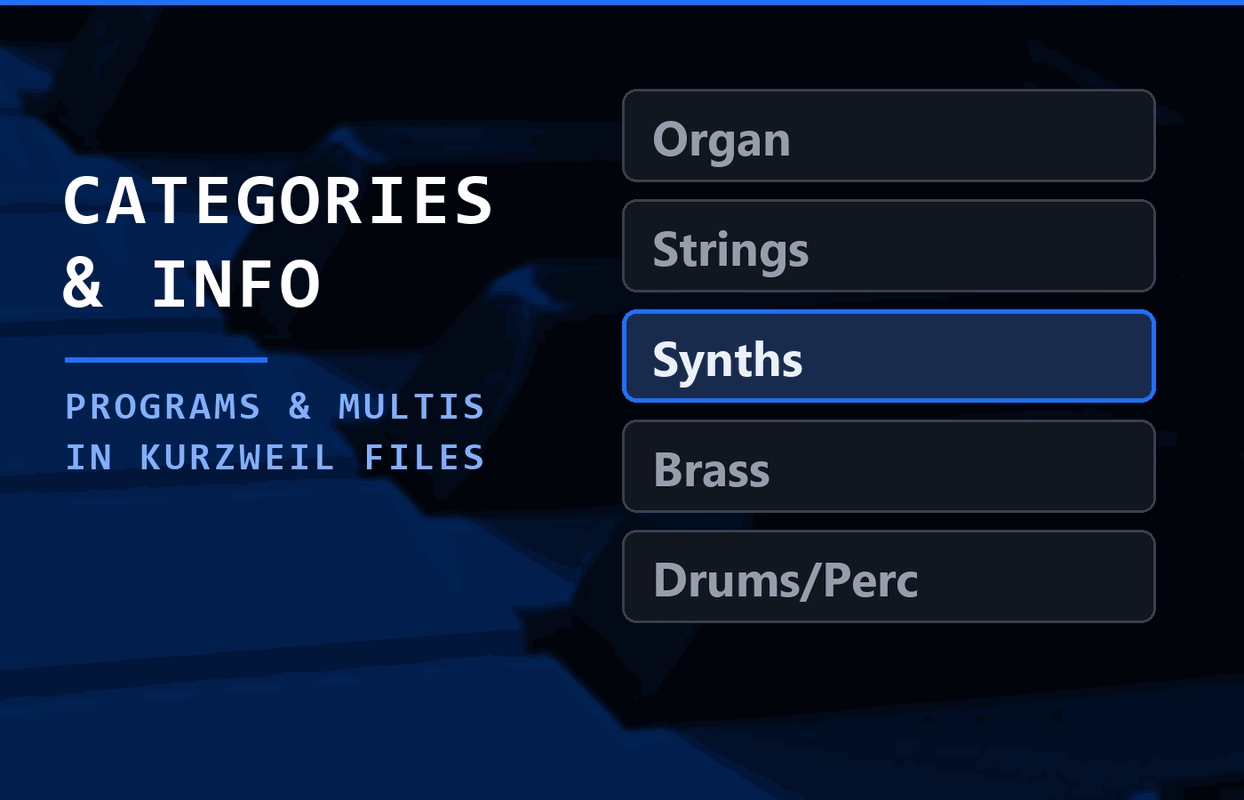
Change the category and subcategory of your programs, give programs and multis an info text, or rename them - right in a backup or export file, which you then load back into your Kurzweil keyboard.
Browser tools you can use right away — nothing to install.
Open a backup or an export of your keyboard, pick any number of programs or multis, and assign a category and subcategory or an info text - or give a single object a new name. The app writes a modified copy of the file; the original stays untouched.
Made for the newer keyboards: K2700, K2061/88, PC4, PC4 SE, Forte, Forte SE, the PC3 family, SP8, SP6, SP4/SP5 and the Artis models.
To bring the changes back, load the file with OVERWRITE and answer NO-MERGE. Not YES, right beside it - that deletes all your user objects first.
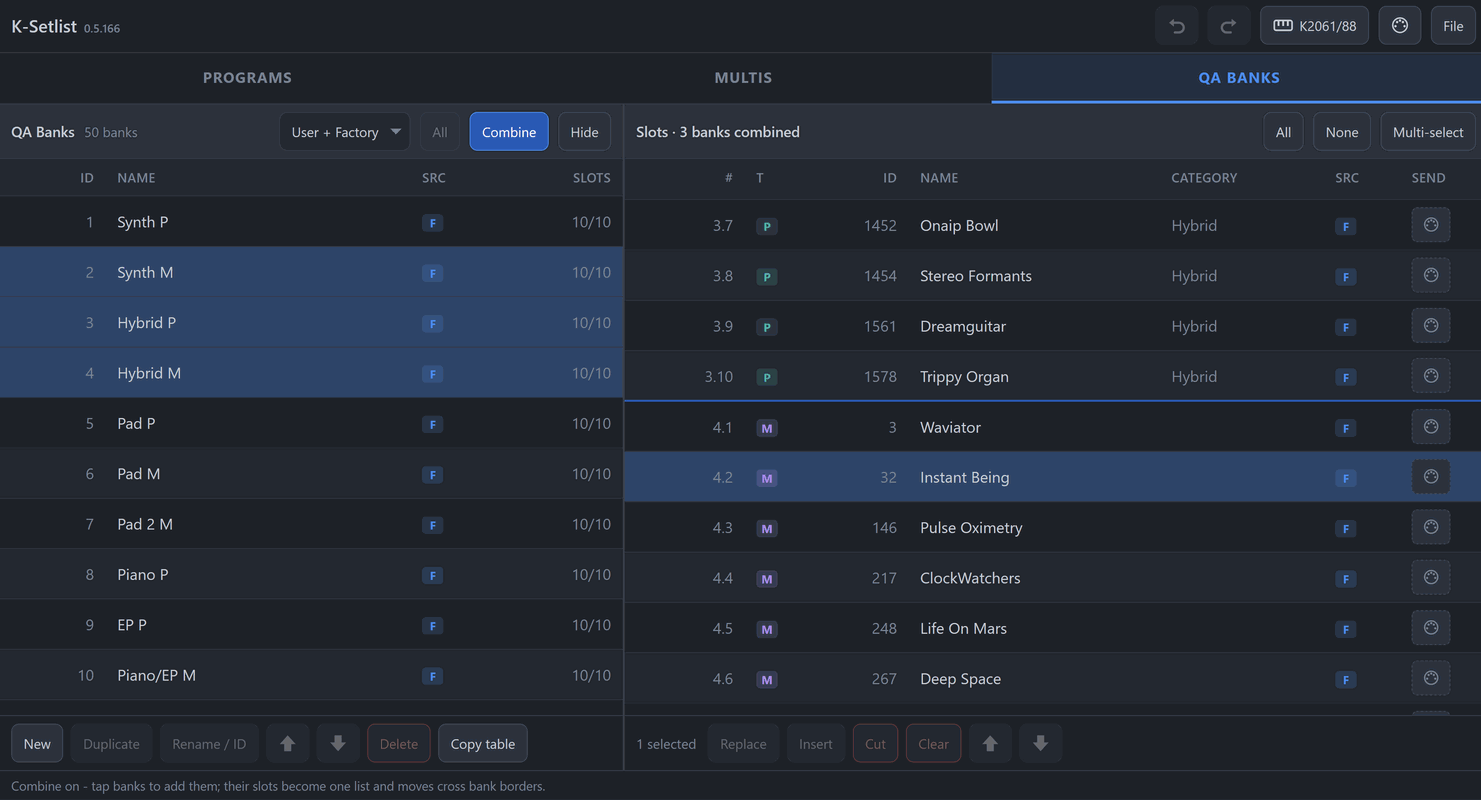
Compile your setlists comfortably with the QA-Bank Editor and import the generated file into your Kurzweil keyboard. Also displays programs including categories and multis of your keyboard.
Change the category and subcategory of your programs, give programs and multis an info text, or rename them - right in a backup or export file, which you then load back into your Kurzweil keyboard.
Compile your setlists comfortably with the QA-Bank Editor and import the generated file into your Kurzweil keyboard. Also displays programs including categories and multis of your keyboard.
Nothing here for the selected models yet.